Data modeling
Field types tell Bobuild what a value is. Data modeling decides how objects relate and which patterns stay maintainable as the app grows. This guide complements Field types, Global objects, and Auto fields.
- How to configure it in the builder
- How it looks like in the resulting app
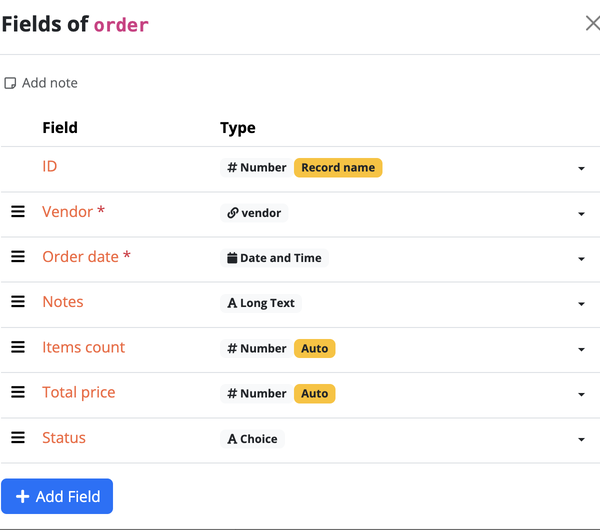
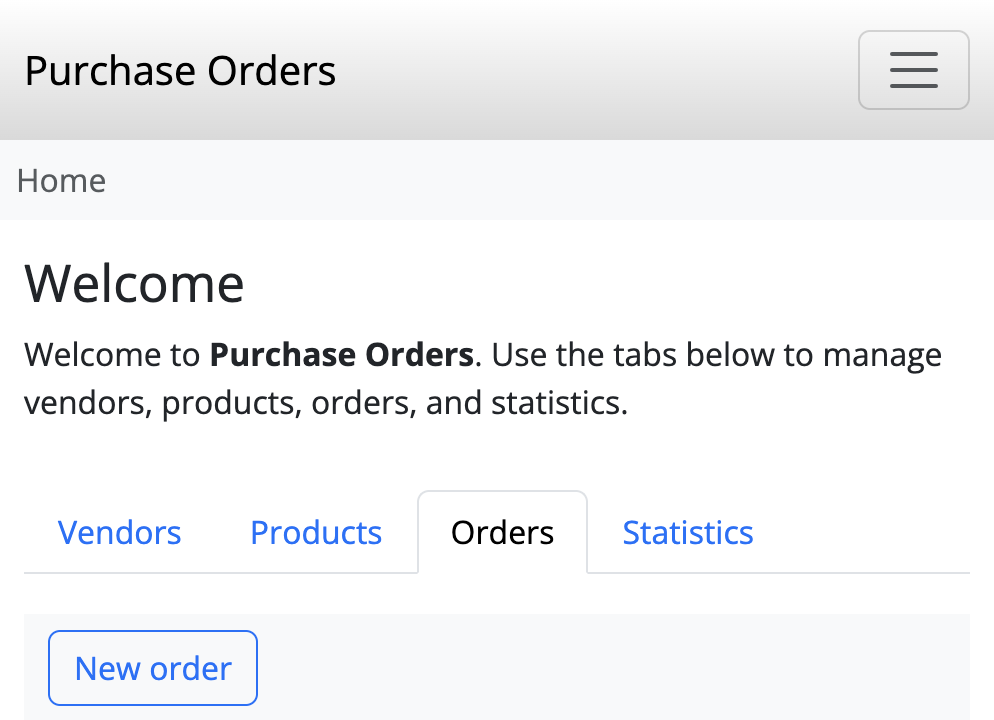
Start from the business story
Write the nouns first (Customer, Order, Ticket), then the verbs (submits, approves, belongs to). Each noun that you need to list, filter, or permission separately usually becomes its own object.
If you are migrating from a spreadsheet, see From spreadsheet to Bobuild.
One-to-many: Reference
Use a Reference when each child belongs to at most one parent.
| Parent | Child | Reference sits on… |
|---|---|---|
| Customer | Order | Order → Customer |
| Request | Comment | Comment → Request |
| Job | Application | Application → Job |
On the parent’s detail page, add a grid of children filtered by that reference. On forms, the reference becomes a dropdown of parents.
Many-to-many: Reference Array
Use a Reference Array when both sides can link to many records and you do not need extra fields on the relationship itself.
Examples: project ↔ team members, article ↔ topics, order ↔ products (when you only need which products, not quantity per line).
If the link itself has data (quantity, price, role on the project), create an intermediate object instead:
OrderLinewith references toOrderandProduct, plusquantityandunit_priceProjectMembershipwith references toProjectandPerson, plusrole
That pattern scales better for reporting and tasks.
Global objects vs normal objects
| Use a global object when… | Use a normal object when… |
|---|---|
| Exactly one row should ever exist | You need many records |
| Values are app-wide settings or company profile | Users create/import/delete rows |
| Templates and tasks should always read the same source | Lists, queues, and portals browse many items |
Enable global mode only on an empty object. See Global objects.
Modeling users and roles
Users in Bobuild are ordinary records of an object you choose for login.
Recommended pattern:
- Object
OperatororUserwithemail,password, andname. - A Choice or Multiple choice field for roles (
Admin,Reviewer,Read-only). - Login rules that require
Active = trueand the right role tags. - Separate objects for customers or applicants when they need their own portal and must not share the staff table.
Do not put staff and external users in one object unless their fields and lifecycle are truly identical.
Auto fields: useful patterns
- Display label — text expression concatenating name + code for nicer dropdowns
- Rollups — count/sum of related records (open tickets, order total)
- Status helpers — boolean “is overdue” from date formulas
- Copied context — pull customer e-mail onto the order for simpler e-mail tasks
Pitfalls:
- Deep chains of auto fields slow writes — prefer shallow formulas
- Disable auto fields during huge imports, then recalculate (Settings)
- Filters inside rollups must match how you actually link records
Practical checklist
- Every list you care about is its own object (or a clear filter on one)
- Relationships use Reference / Reference Array / join object intentionally
- Status is a Choice field with a small closed set of values
- Natural keys use uniqueness (alone or along with other fields) where duplicates must not exist
- Secrets (passwords) only exist on auth objects
- App-wide config lives in a global object, not duplicated on every row
Next steps
- Recipes — short how-tos (order totals, priced dropdowns, …)
- Tasks — automations on top of this model
- Security overview — portals, rules, and API auth
- Tutorials — full blueprints that apply these choices