Global objects
Most objects hold many records. A global object (also called a singleton) holds exactly one shared record for the whole app — ideal for site-wide configuration, a single organisation profile, or settings that every page should read.
Example
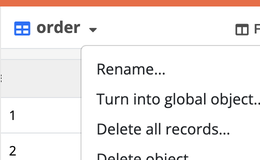
- How to configure it in the builder
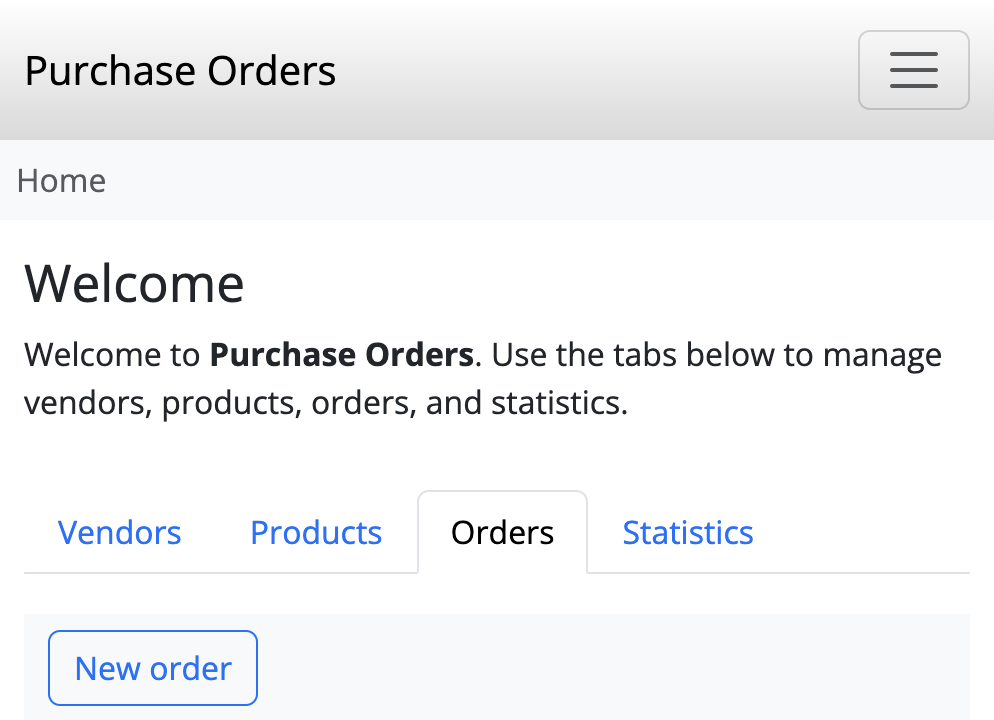
- How it looks like in the resulting app
Typical scenarios:
- application-wide defaults (support e-mail, feature flags, public banner text);
- a single “Company” profile reused in document templates;
- configuration that should never accidentally grow into duplicate rows;
- a shared sequential counter for gapless invoice or protocol numbers.
The payoff is robustness: there is nowhere for a second “company” row to appear by mistake, and every form, task, and template can rely on the same shared values.
Enabling global mode
On the object page, open the object menu and choose Turn into global object….
Requirements and effects:
- the object must be empty, or already hold exactly one record with ID 1 (the shared global row always binds to id
1); any other rows block enabling; - while global mode is on, users cannot add, import, or delete records — there is only the one shared row;
- tasks that create, duplicate, or delete records on that object are not available; updates still work.
Disabling global mode
Choose Disable global mode…. The object becomes a normal multi-record object again; the existing shared record is kept so you do not lose data.
Related recipes
- Gapless sequential counters — allocate contiguous numbers from a singleton counter on create