Security overview
Bobuild apps are only as safe as the boundaries you configure: who can open the Builder, who can enter each portal, what each widget shows, and what each API endpoint allows. This page is the map; detail lives in the linked guides.
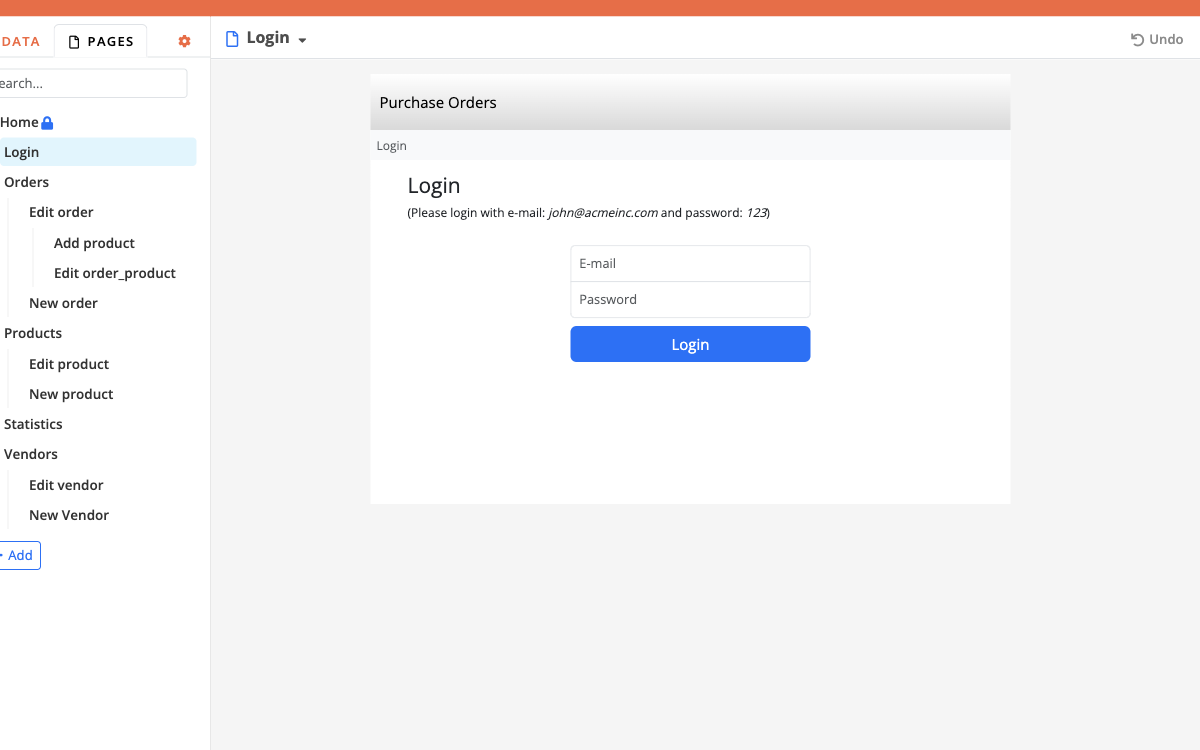
- How to configure it in the builder
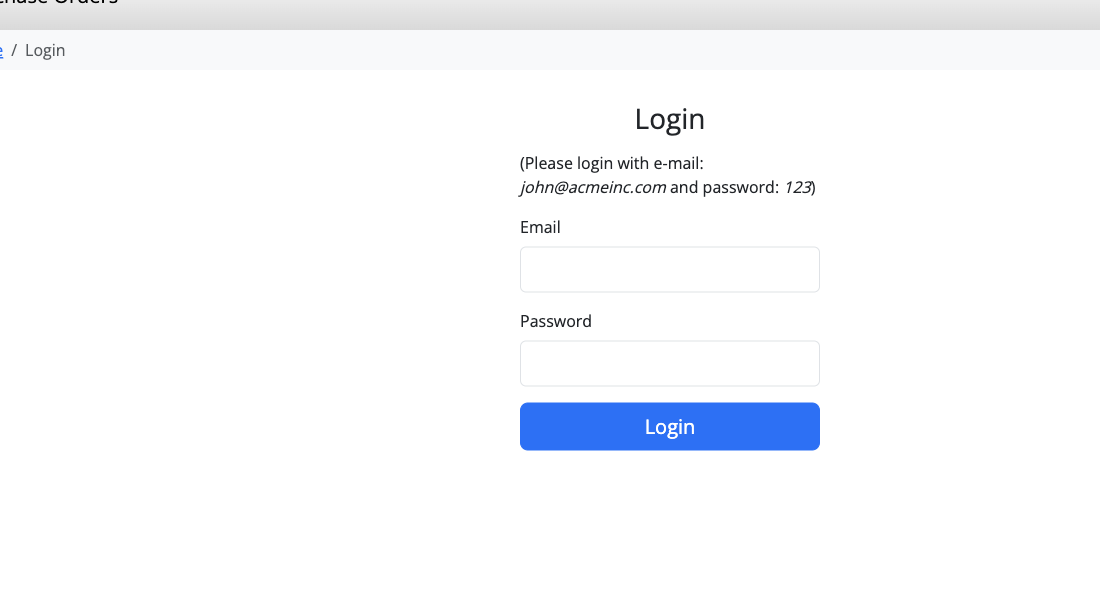
- How it looks like in the resulting app
Layers of access
Builder collaborators  →  change structure and see raw data
        ↓
App portals + login    →  end users work through pages you design
        ↓
Widget visibility      →  hide actions and fields per role / status
        ↓
API endpoint auth      →  external systems get a deliberate slice of data
1. Builder
Treat Builder logins as administrator access. Limit who can sign in to the Builder. Do not share Builder passwords with people who only need to process tickets.
2. Portals and login rules
Each top-level page can use a different user object and login rules (Active, roles, status). Typical split:
- public portal — no login;
- customer / applicant portal — customer object;
- backoffice — operator object with role tags.
3. Display rules and menus
Even inside a portal, display rules and menu visibility should hide staff-only actions. Defence in depth: login rules and UI rules.
4. API
Define endpoints explicitly: fields, filters, and auth. Never expose staff notes or password fields. Optionally limit each endpoint to allowed source IPs (addresses or CIDR ranges) so a leaked key is not enough from an unexpected network. See API.
5. AI agents (MCP)
Agent tokens on the Builder can change app structure and optionally record data via SQL. Treat grants like administrator access for the listed apps: minimum apps, minimum permissions, revoke when unused. Prefer development apps and Deployments for production.
Recommended permission patterns
| Pattern | How |
|---|---|
| Staff vs public | Separate portals; only backoffice has Operator login |
| Role tags | Multiple choice roles on Operator + login rules + menu rules |
| Approval gate | Self-registration creates Active = false; staff approve before login works |
| Record ownership | Customer portal grids filtered to the logged-in user |
| Dangerous batch actions | Grid tasks only on staff pages; hide for read-only roles |
Files and documents
- File and image fields are reachable by users who can open the record through a page or API you exposed.
- Prefer staff-only detail layouts for sensitive attachments (contracts, IDs).
- Tasks can store a SHA-256 hash of a file for integrity checks (Record operations).
- Snapshots may include uploaded files — control who can restore and who receives clone apps (Snapshots).
Snapshots and deployments
| Mechanism | Protects | Does not |
|---|---|---|
| Snapshot | Point-in-time structure ± data you can restore to a new app | By itself stop someone with Builder access from editing live |
| Deployment | Controlled config promotion; auto snapshot of target before apply | Overwrite or “fix” bad record data (data is not deployed) |
Restored apps disable outgoing e-mail until you re-enable it — important so clones do not mail real users.
Cloud vs Enterprise (security-relevant)
- Custom domains — coordinated on Cloud; configurable in Settings on Enterprise (Custom domains).
- SSO / SPID / CIE — available per plan; enterprise setups often wire organisation IdPs (Login).
- Always confirm data residency and contractual terms with Bobuild for regulated workloads — docs describe product controls, not your compliance attestation.
Checklist before go-live
- Builder logins reviewed
- Each portal’s login object and rules tested with a real user
- Customer/staff fields separated on layouts
- API endpoints reviewed for field leakage and source IP allowlists where appropriate
- Builder agent tokens reviewed (apps, structure/data write, expiry)
- Outgoing e-mail templates point at the right audience
- Snapshot taken; staging→prod path agreed (Production playbook)