Builder import and export
Administrators often need to load or extract data from the Builder, without putting an Importer widget on a portal page. This is separate from the live Importer widget, which is meant for end users.
Example
Builder import
On an object in the Builder, use Import to upload a CSV into that object.
Typical uses:
- initial migration from a spreadsheet (From spreadsheet to Bobuild);
- correcting a batch of rows;
- loading reference data (product catalogue, municipality list).
Compared to the Importer widget:
| Builder import | Importer widget | |
|---|---|---|
| Who | Collaborators in the Builder | App users on a page |
| Fields | Can create new fields from CSV headers | Maps into fields that already exist |
| Logs | View import logs for status and row errors | In-page progress + follow-up |
Tips for clean imports
- One header row; stable column names.
- Import parents before children when references are involved.
- Map reference columns to ids or display values as the dialog expects.
- Completely blank rows are skipped automatically (no empty records from trailing newlines).
- For large files: disable automatic fields → import → re-enable → wait for recalculation.
- Keep View import logs open for long jobs — mapping issues show up per row.
Take a snapshot before imports that might be hard to undo.
Export
Ways to get data out:
- Object → Export in the Builder — Export table as CSV or Excel for the whole object (admin extract; large CSVs stream as they download).
- Grid export in the live app — CSV/Excel when enabled on the Grid widget (operators export what they can see).
- SQL Console → Export CSV for custom queries (capped; see SQL Console).
- API List endpoints for recurring machine exports (API).
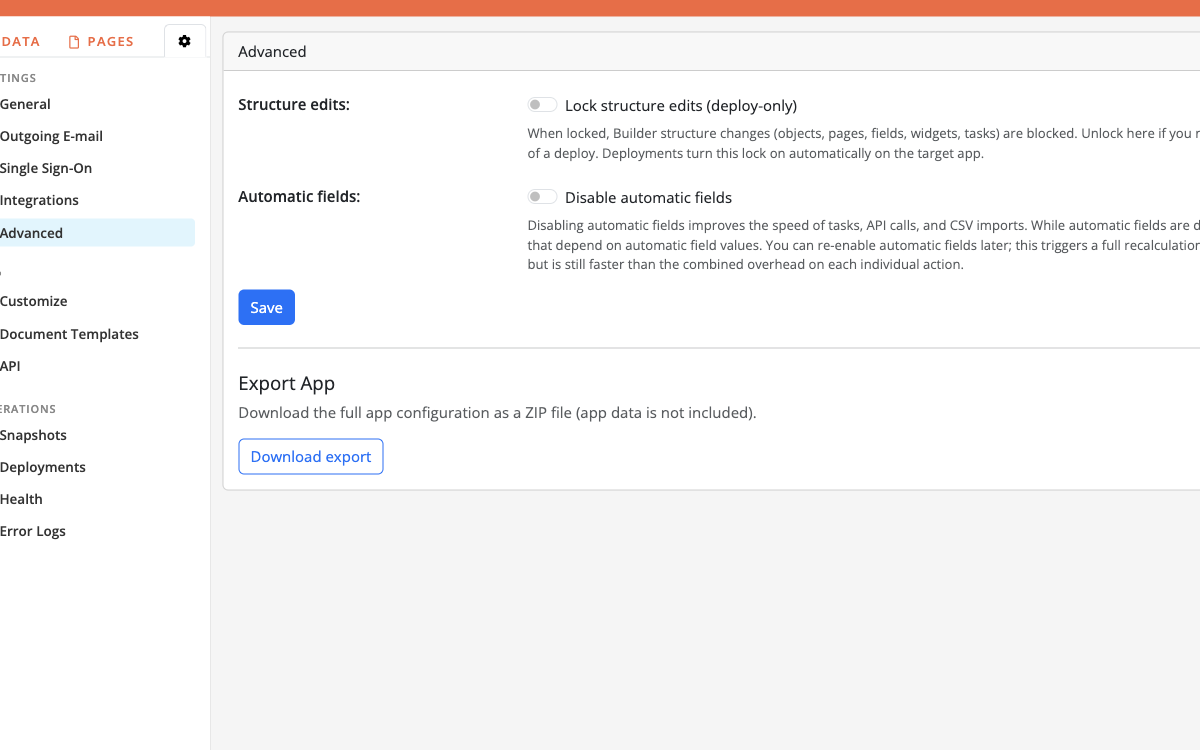
To download the app configuration (not record data) as a ZIP, use Advanced → Download export — see Export App.
Choose grid export for business users, Builder/SQL/API for controlled technical extracts.
Bulk edit without CSV
When you need to change many existing rows:
- Grid batch tasks in the app;
- Object-level batch tasks in the Builder for admin repairs;
- Re-import with update semantics when replacing whole columns from a file.