Gallery widget
The Gallery widget lists multiple records as a grid of cards instead of a table. Use it when browsing should feel visual — photo catalogues, people directories, product cards — rather than dense rows of numbers.
Typical scenarios:
- a staff directory with photos and job titles;
- a catalogue of products or venues with cover images;
- a public “browse cases” view that opens a detail page on click.
Prefer a grid when operators need sorting, bulk tasks, CSV export, or many columns. Prefer a Gallery when each record is best summarised as a card.
Example
- How to configure it in the builder
- How it looks like in the resulting app
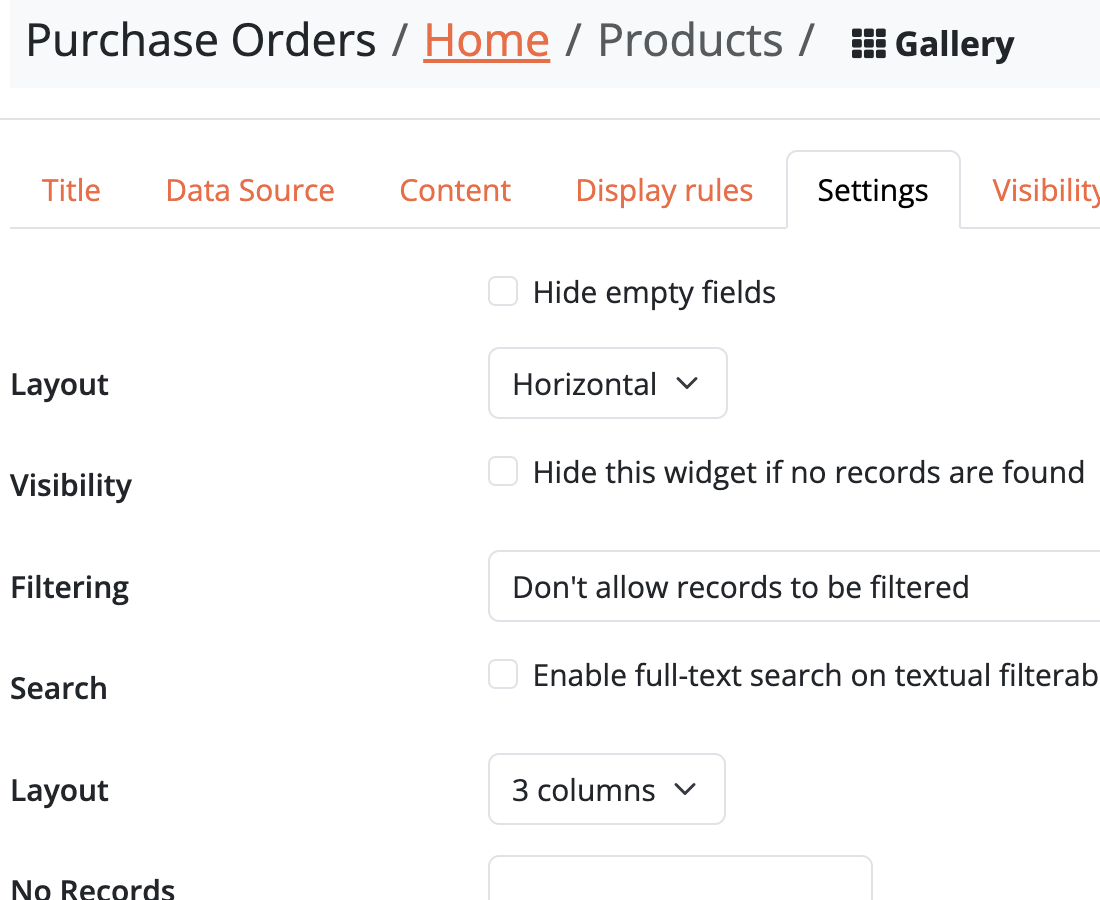
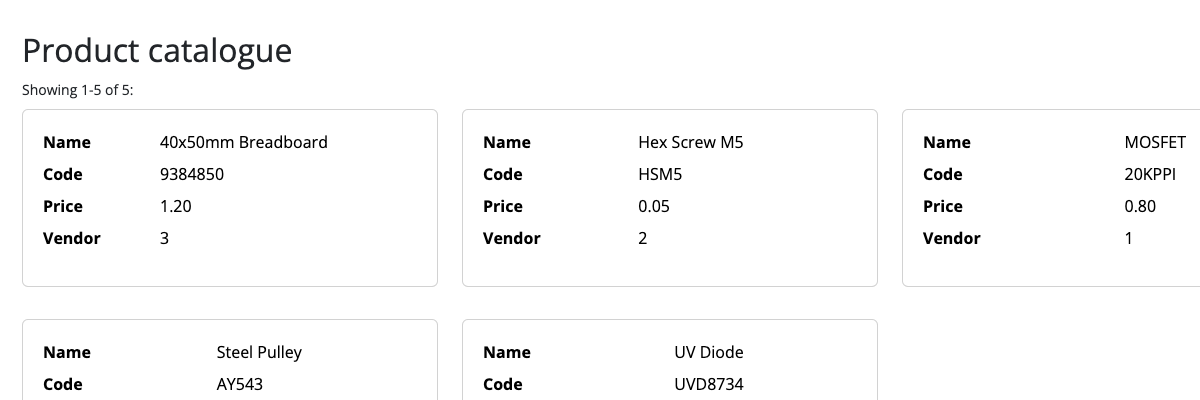
Layout
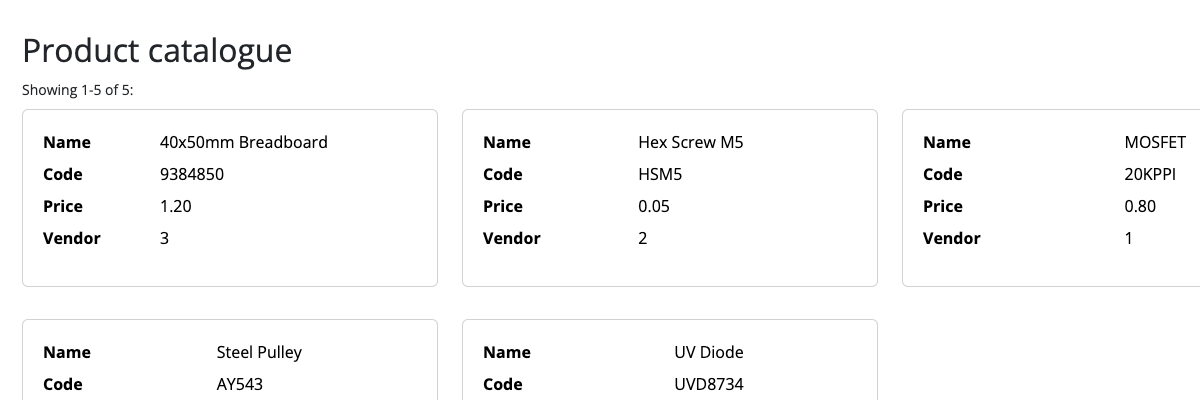
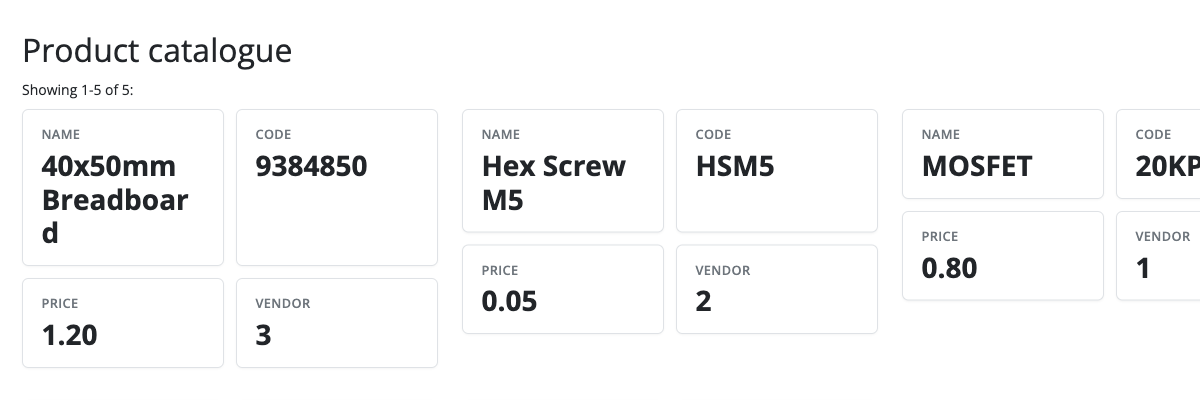
Gallery cards use the same Layout options as Detail: Horizontal, Vertical, KPI Cards, and Custom. Pick the arrangement that matches how much each record should show on the card.
Horizontal
KPI Cards
How it works
- Drag a Gallery widget onto a page and choose the object to list.
- Add the fields that should appear on each card (text, images, and other types).
- Optionally link each card to a detail (or edit) page, the same way grid columns can link to sub-pages.
Cards support the usual widget title, width, and visibility rules. Filters on the widget decide which records appear in the gallery.